
Download AFELO – photo resize, image resize, resize photos, image editing, resize tool, photo editing, resize image, resize tool, resize utility, resize app
Overview
AFELO is a productivity-focused mobile application designed to simplify the process of resizing photos with minimal effort. Targeted at both casual users and professionals, the app addresses a common digital challenge: adjusting image dimensions without compromising quality. Whether preparing images for social media, websites, or personal archives, AFELO streamlines the workflow by offering a direct and intuitive path from upload to resize to upload.
The app supports multiple image formats, including JPG, GIF, and PNG, ensuring compatibility with a wide range of digital content. Its ability to upload resized images directly to an FTP server adds significant value for users managing digital assets across platforms. The developer, AFELO, has positioned the app as a lightweight utility tool within the mobile productivity ecosystem.
Although specific details about the development background are not available, the app’s longevity—first released in 2012—suggests a stable and reliable foundation. Real-world use cases include content creators optimizing visuals for online publishing, photographers preparing portfolios, and small business owners updating website imagery. For users seeking a no-frills, efficient solution to a frequent task, AFELO fills a niche by delivering focused functionality without unnecessary complexity.
Key Features & Functionality
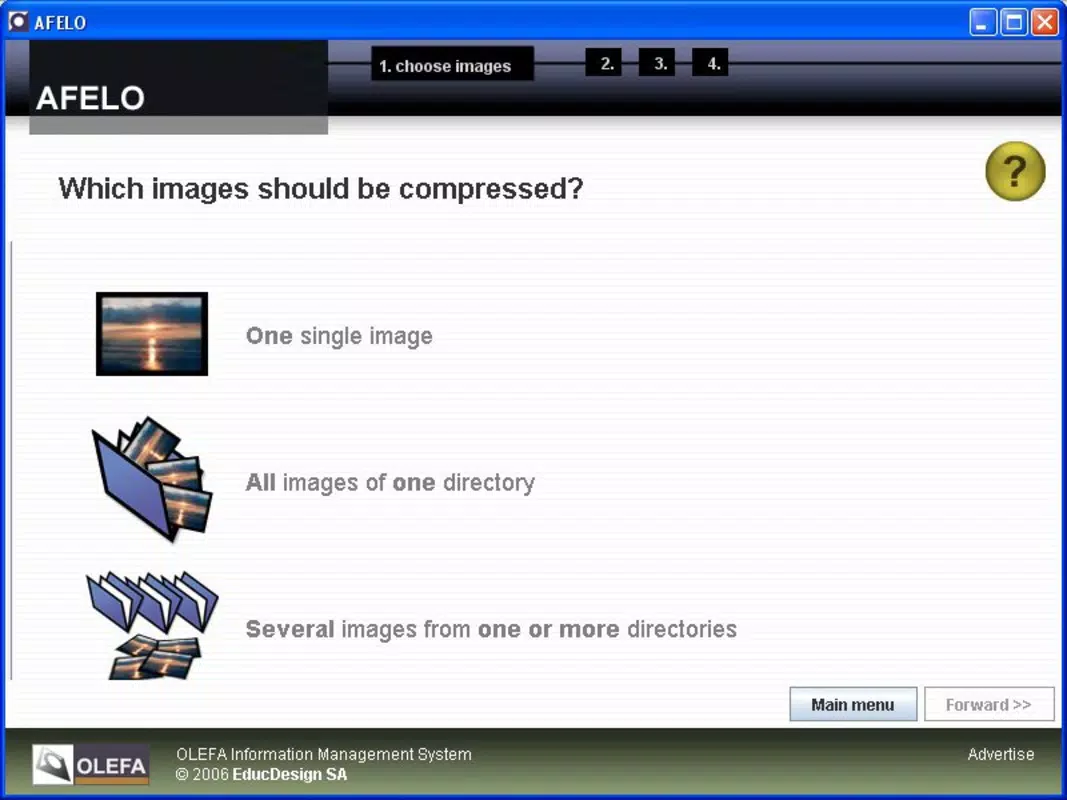
- User-Friendly Interface: AFELO features an easy-to-navigate layout that guides users through each step of the resizing process. Even individuals with no prior experience in image editing can complete tasks without confusion or frustration.
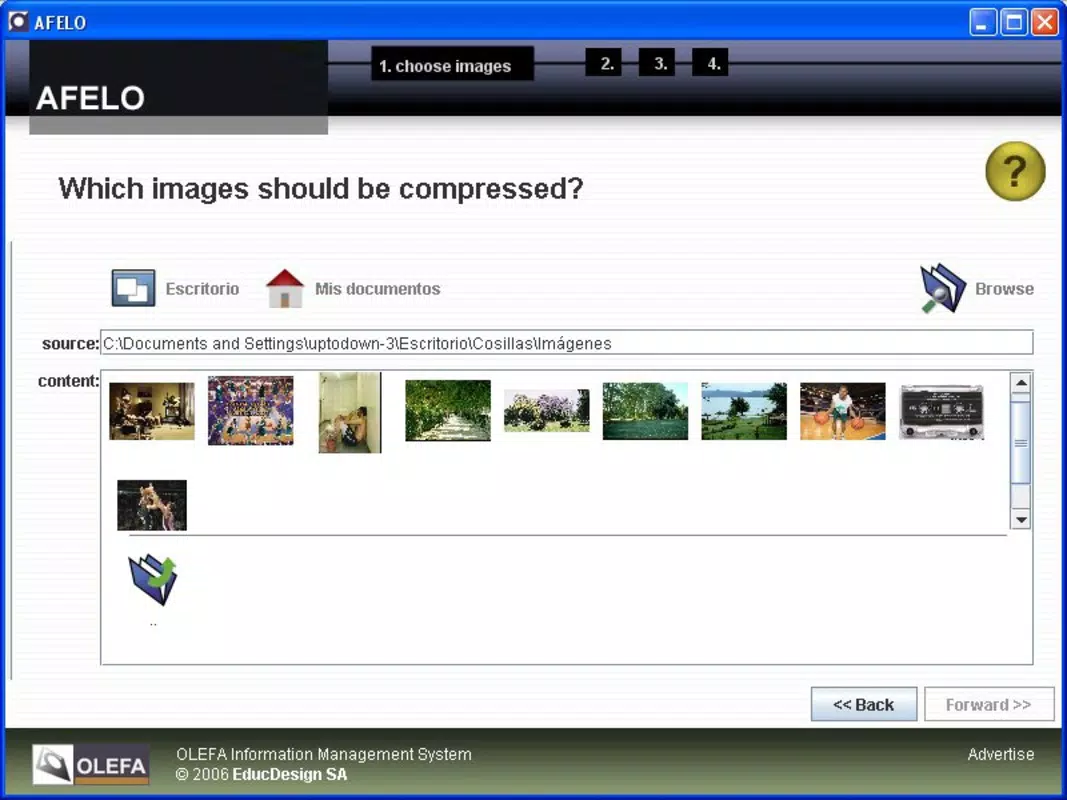
- Batch Resizing Capability: The app allows users to process multiple images at once, significantly reducing time and effort when handling large volumes of photos for projects or digital campaigns.
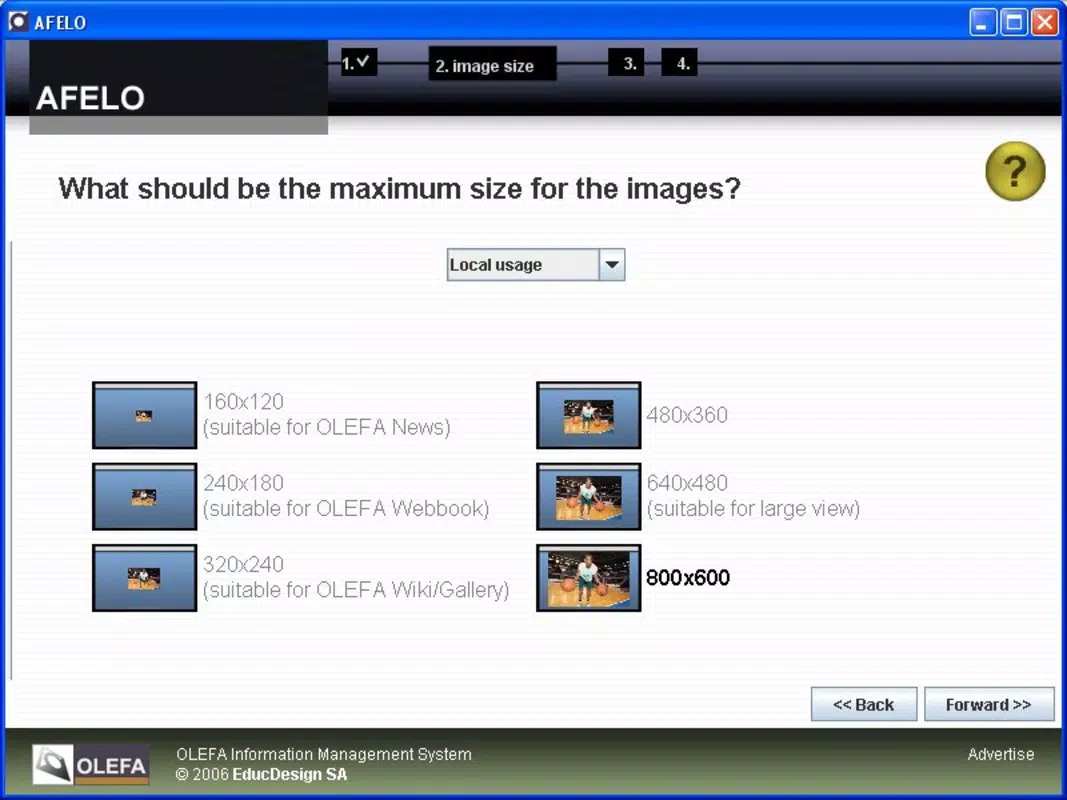
- Customizable Formats: Users can select from predefined dimensions or manually enter custom width and height values. This flexibility ensures precise control over output size for various platforms and use cases.
- Quality Preservation: AFELO maintains image clarity and detail during resizing, preventing pixelation or blurriness. This is especially important for users who require high-quality outputs for professional or published content.
- Direct FTP Upload: After resizing, images can be uploaded directly to a user’s FTP server from within the app. This integrated workflow eliminates the need for additional tools or manual transfers, improving efficiency.
For example, a social media manager could use AFELO to resize a batch of product images to a standard dimension, then upload them directly to a client’s FTP for immediate use. Similarly, a freelance designer might resize a set of PNGs for a website, ensuring consistent formatting while preserving visual fidelity. These practical applications highlight the app’s real-world utility in digital content workflows.
Interface, UX & Performance
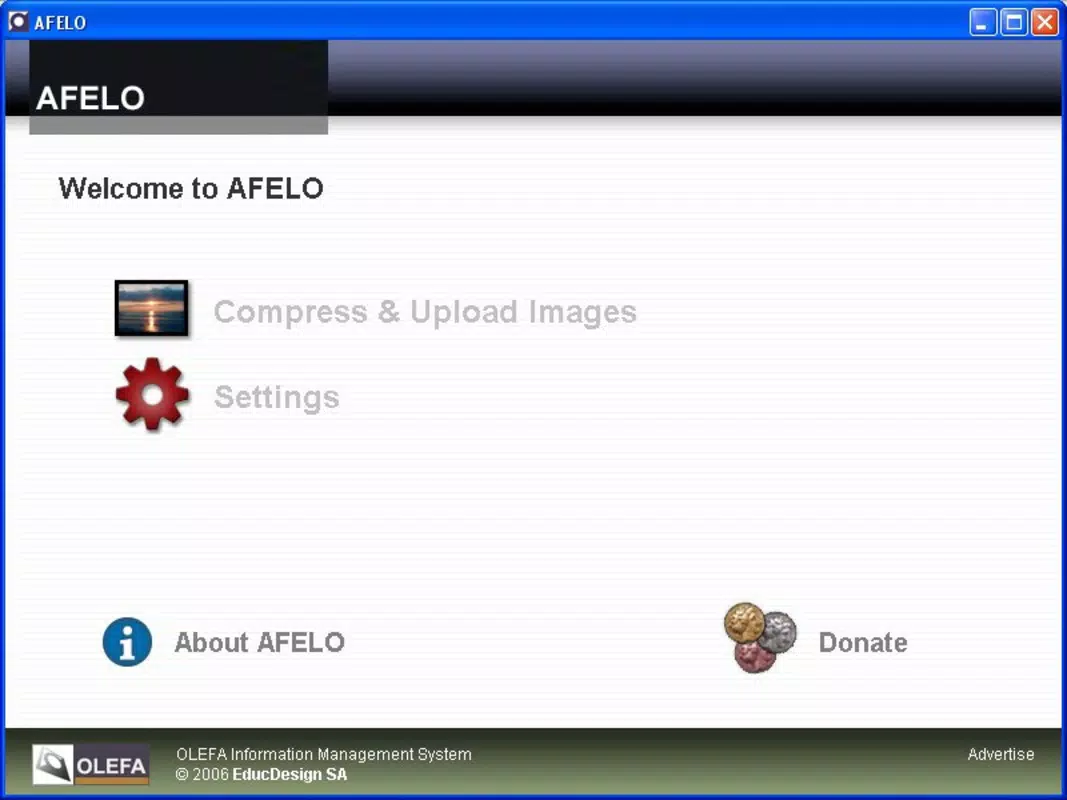
AFELO’s interface is designed with simplicity and clarity in mind. The layout prioritizes essential functions, minimizing clutter and ensuring that users can access key tools without unnecessary navigation. Visual cues and step-by-step guidance help maintain a smooth user experience, particularly for first-time users.
Navigation is linear and predictable, reducing the learning curve associated with image editing tools. Although the developer did not list formal performance metrics, the app’s lightweight nature—14.3 MB in size—suggests efficient resource usage across a range of Android devices. Responsiveness appears to be consistent, with minimal lag during image processing and file transfers.
Stability is likely maintained through the app’s long-standing presence in the market, though specific details on crash rates or background performance were not disclosed. Users can expect a reliable experience when performing routine resizing tasks. The app’s performance across different device categories—budget, mid-range, and high-end—has not been officially documented, but its minimal footprint implies broad compatibility.
Overall, the UX design reflects a focus on usability, making it accessible to users of varying technical skill levels.
Platform Compatibility & Technical Requirements
AFELO is available exclusively on the Android platform, making it accessible to users of Android smartphones and tablets. The current version is 1.0.3, with a file size of 14.3 MB, indicating a compact and lightweight application. The developer did not specify minimum OS requirements or compatibility details beyond the platform.
As such, users should verify whether the app runs on their device’s version of Android. While the app has been available since 2012, its current compatibility with newer Android versions remains unconfirmed. The absence of detailed technical specifications means that users should proceed with caution when installing on devices with outdated or unsupported operating systems.
Despite this, the app’s small size suggests it may function on older devices with limited storage and processing power. For users seeking a simple, no-cost tool for image resizing on Android, AFELO remains a viable option.
Pros and Cons
- Lightweight and fast, ideal for devices with limited storage
- Supports batch resizing for efficient workflow
- Preserves image quality during resizing
- Direct FTP upload simplifies content delivery
- Free to download and use
- Only available on Android, limiting cross-platform access
- Developer did not provide detailed system requirements
- Outdated release date raises questions about ongoing support
- No visible update history or changelog
- Limited visual feedback during processing
FAQ
Is AFELO safe to download and use?
Yes, AFELO is available as a free Android app. It does not require excessive permissions, and its small file size suggests a low risk of malware. However, users should always download from trusted sources.
Can I use AFELO on iOS devices?
Currently, AFELO is only available on Android. There is no official version for iOS devices.
Does AFELO support all image formats?
AFELO supports common formats including JPG, GIF, and PNG. Support for additional formats was not specified by the developer.
How often is AFELO updated?
The last release was in 2012, and no recent updates have been documented. The app’s stability may be maintained, but active development is unlikely.
Can I resize images without uploading to FTP?
Yes, users can resize images locally without uploading. The FTP feature is optional and can be used only when needed.
Final Thoughts
AFELO stands out as a focused, no-nonsense tool for users who need to resize photos quickly and efficiently. Its core strengths—batch processing, quality preservation, and direct FTP integration—make it a valuable asset for professionals and hobbyists alike. While its age and lack of recent updates may raise concerns about long-term viability, its simplicity and free access continue to offer real value.
For Android users seeking a lightweight, reliable resize utility without the complexity of full-featured editors, AFELO remains a practical choice. The app delivers exactly what it promises: a streamlined path from image upload to resized output. If you’re looking for a secure, efficient way to manage image dimensions on your smartphone, AFELO is worth considering.
Download AFELO now


